Prize wheel NEW
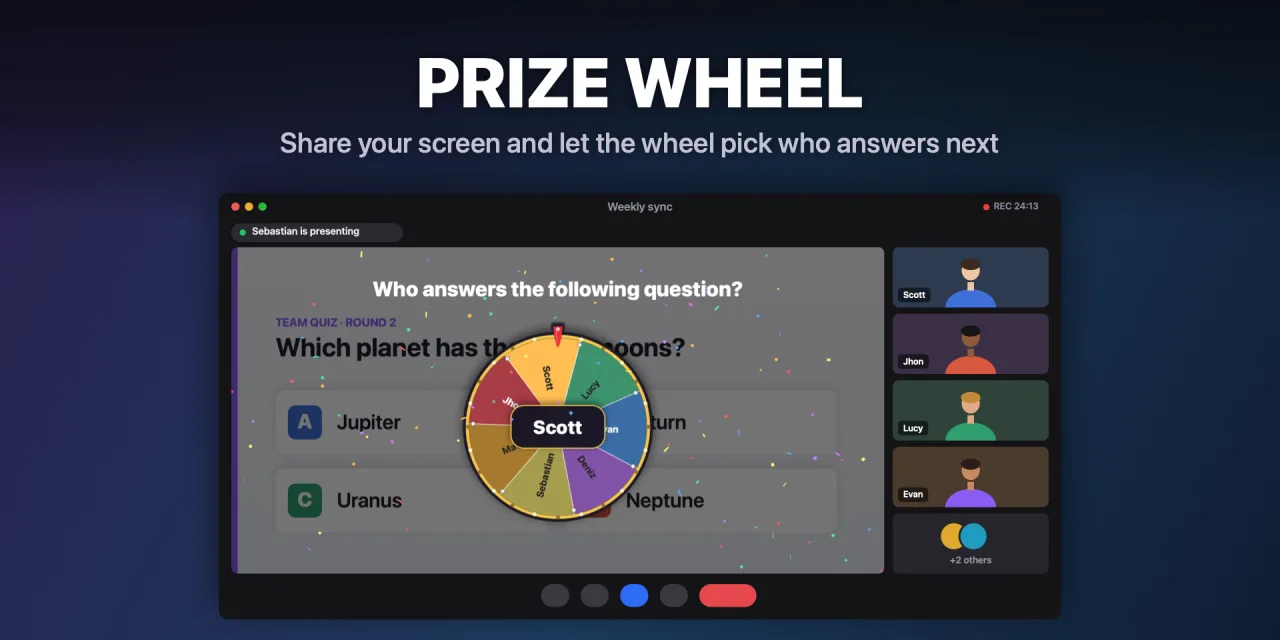
Type the names and spin. Hold the key to spin it by hand: the longer you hold, the longer it takes to stop. Great for picking who answers next.
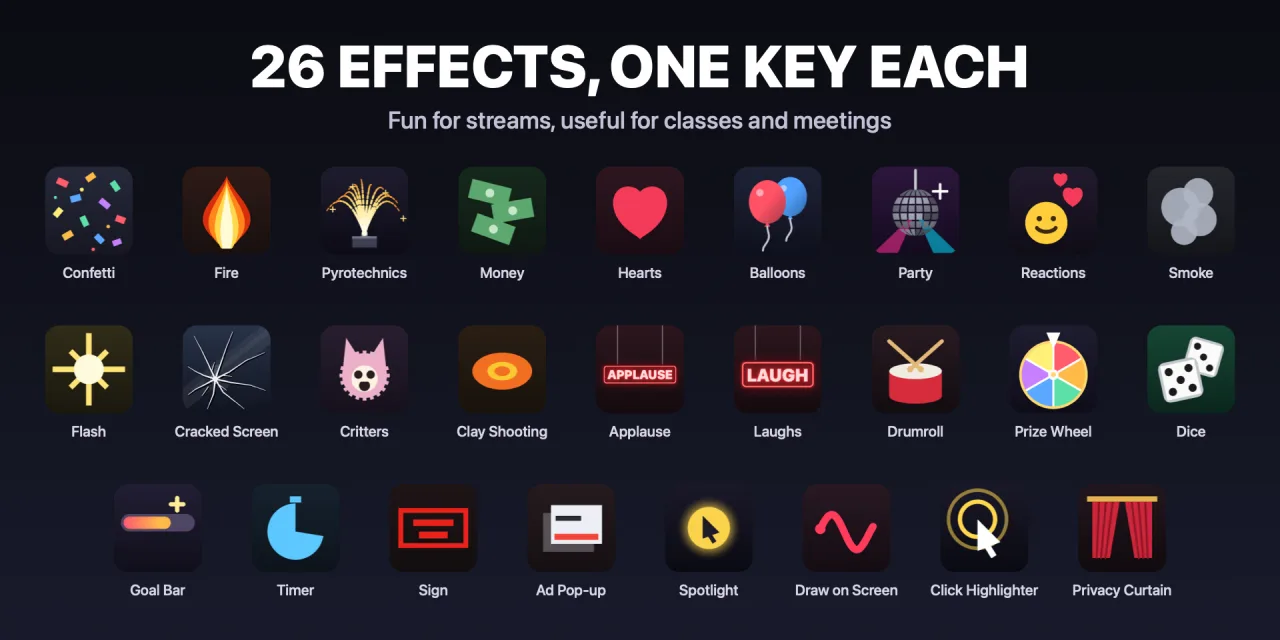
26 effects and live tools — confetti, a prize wheel, 3D dice, a goal bar, a spotlight, drawing on screen and more — right over your Mac, triggered from your Stream Deck.
Drag any of them onto a key. Every key keeps its own settings: style, colors, intensity, duration and volume. Version 1.1 adds fifteen new ones.
Type the names and spin. Hold the key to spin it by hand: the longer you hold, the longer it takes to stop. Great for picking who answers next.
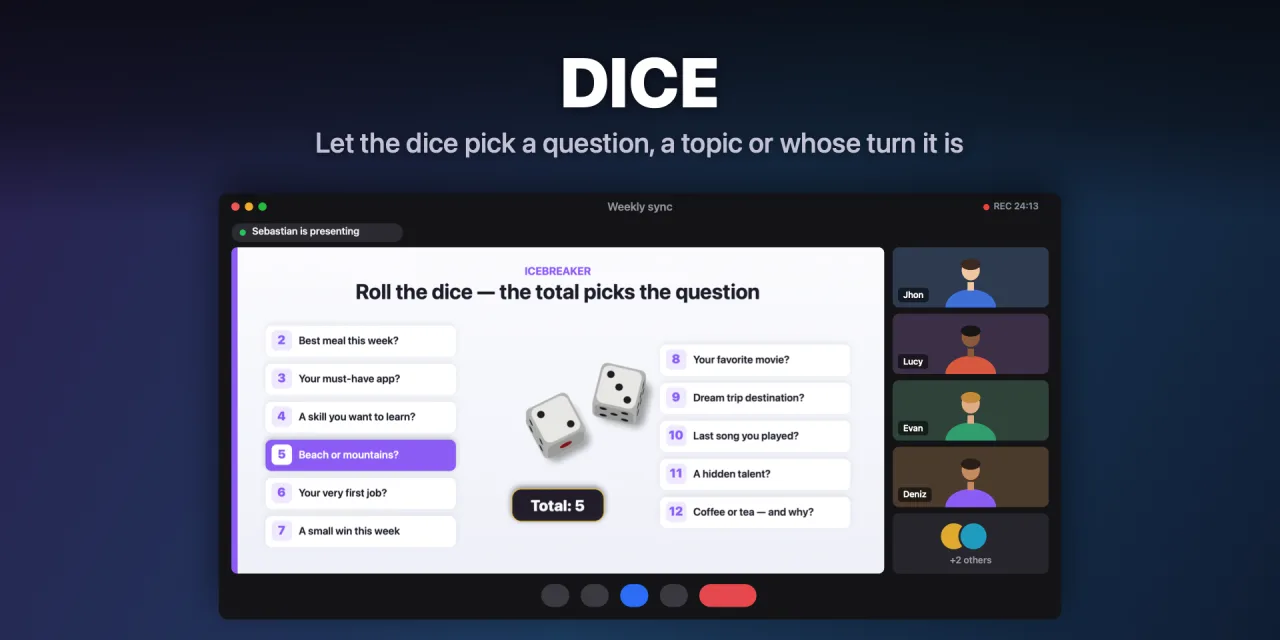
Real 3D dice that tumble, bump into each other and rock before settling. Hold the key to shake them; the more you shake, the harder they're thrown. Handy for picking a question, a topic or whose turn it is.
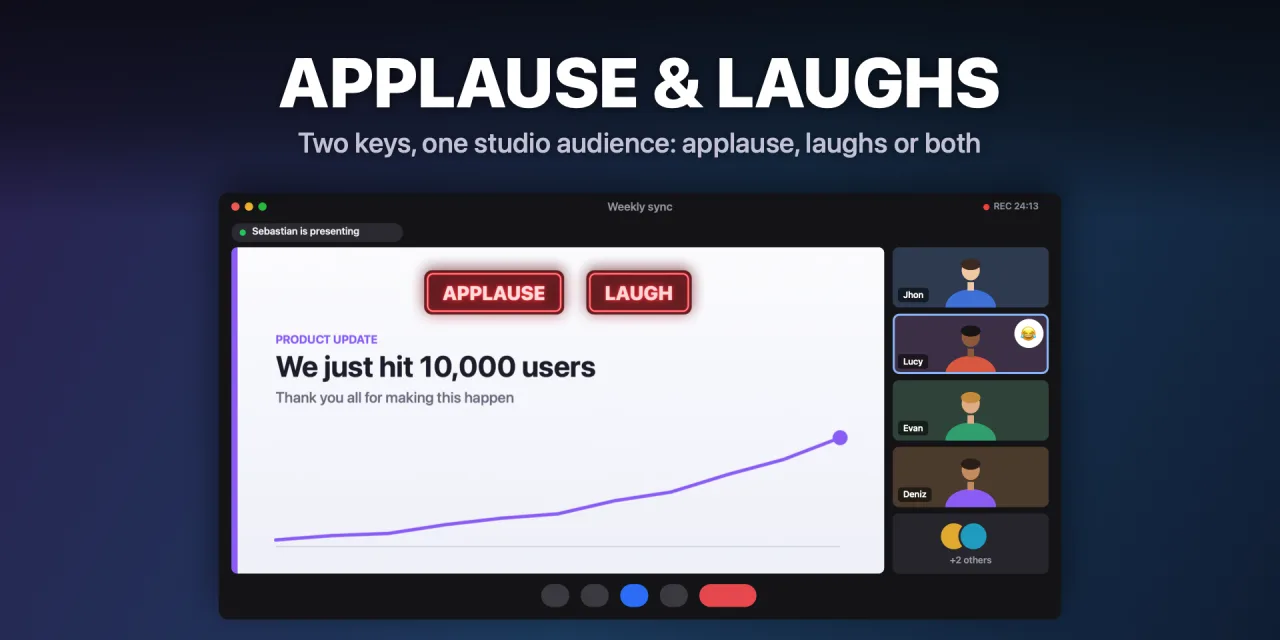
Two keys, one studio audience: applause, laughs or both, each with its own neon sign.

Builds up the tension, then reveals your text with confetti.
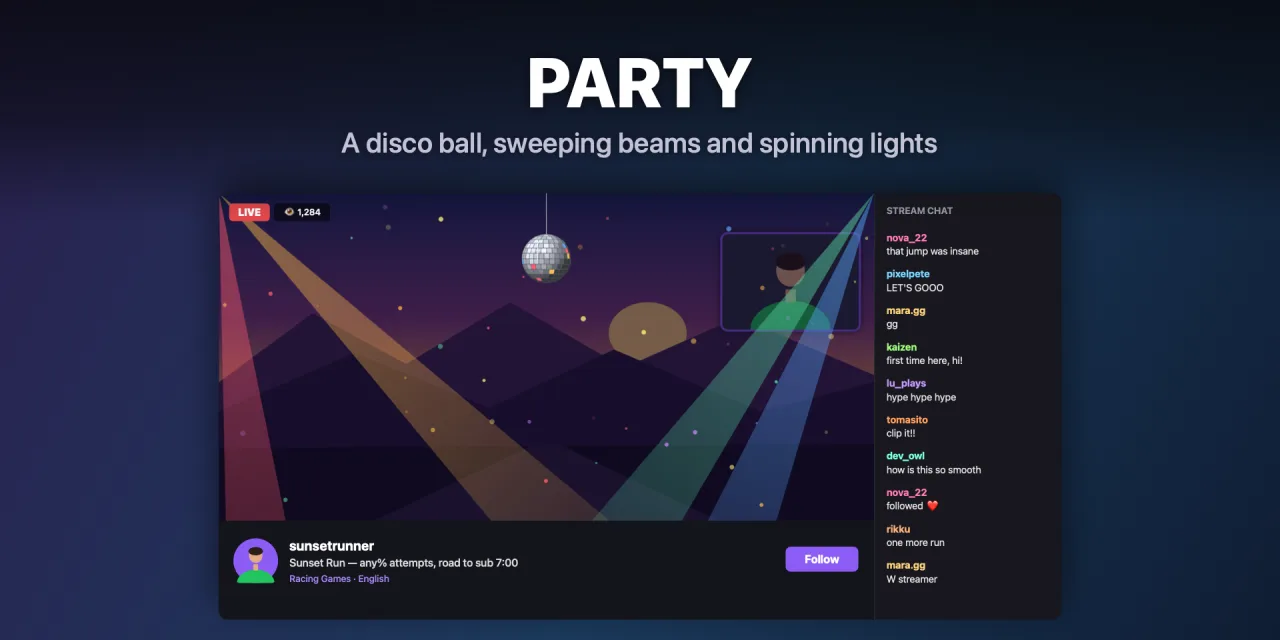
A disco ball with sweeping beams and spinning lights.
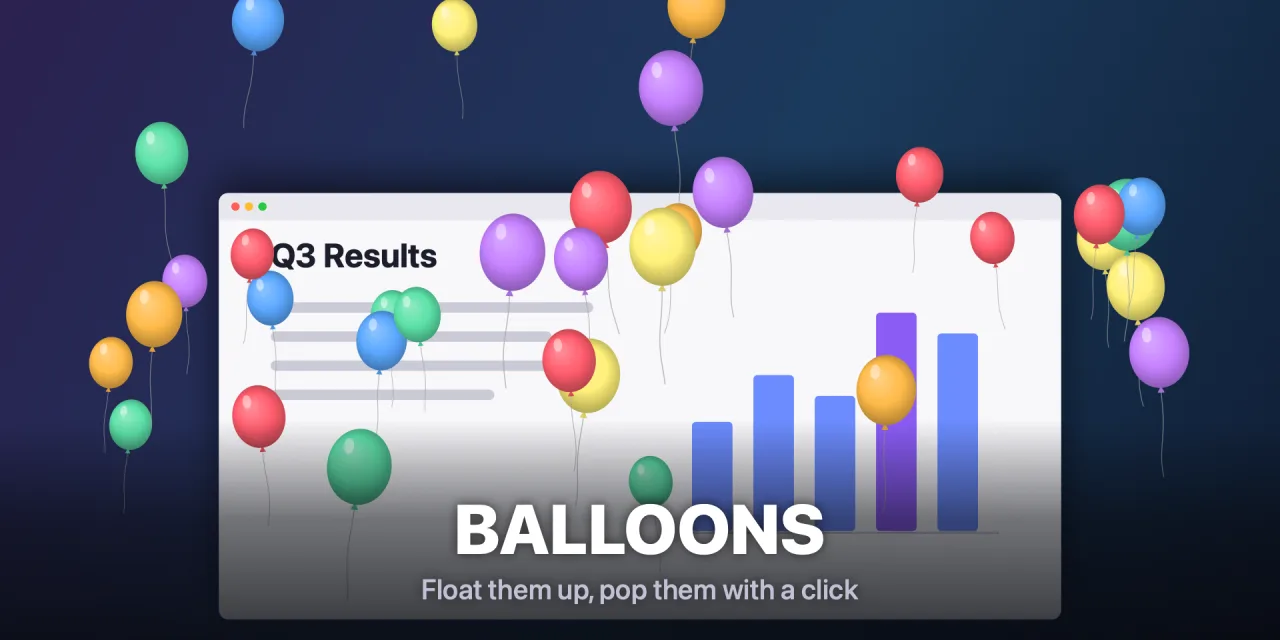
They float up over your screen and pop with a click.
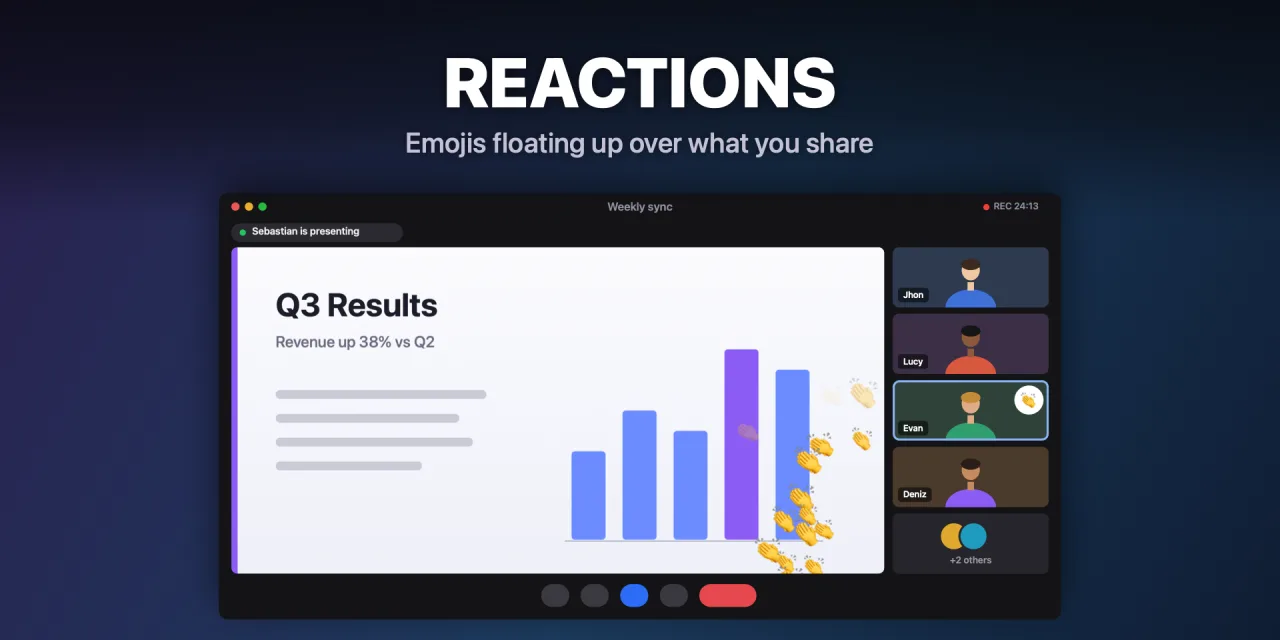
Emojis floating up, like live reactions on a stream.
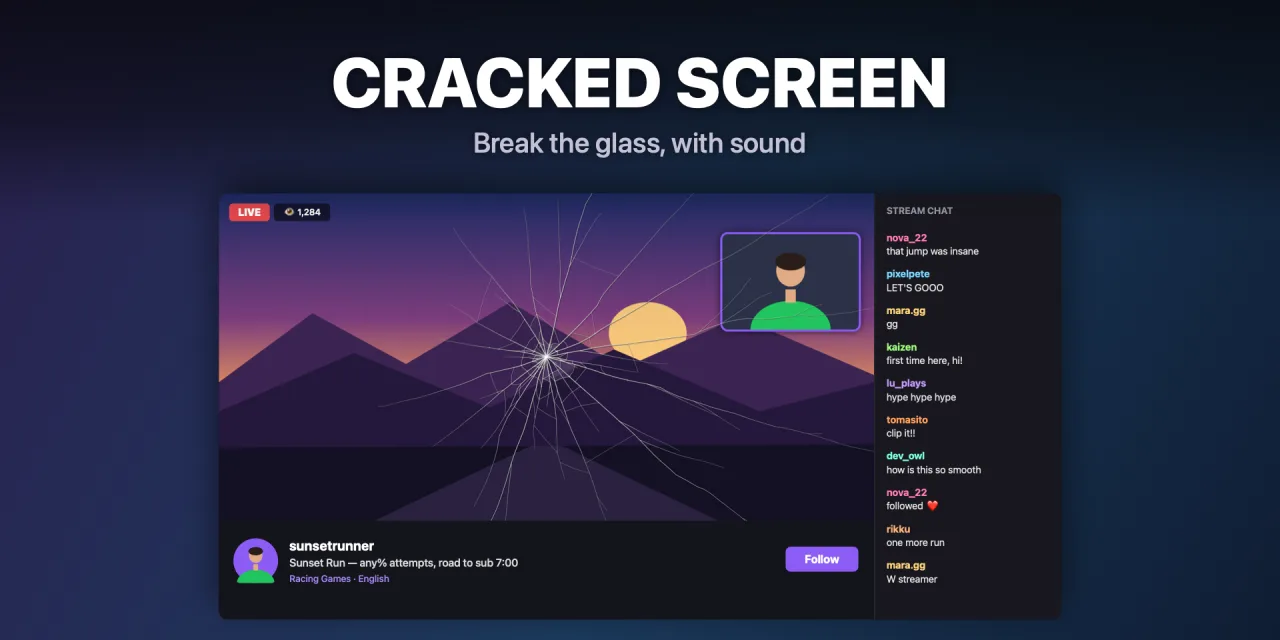
Break the glass, with sound.
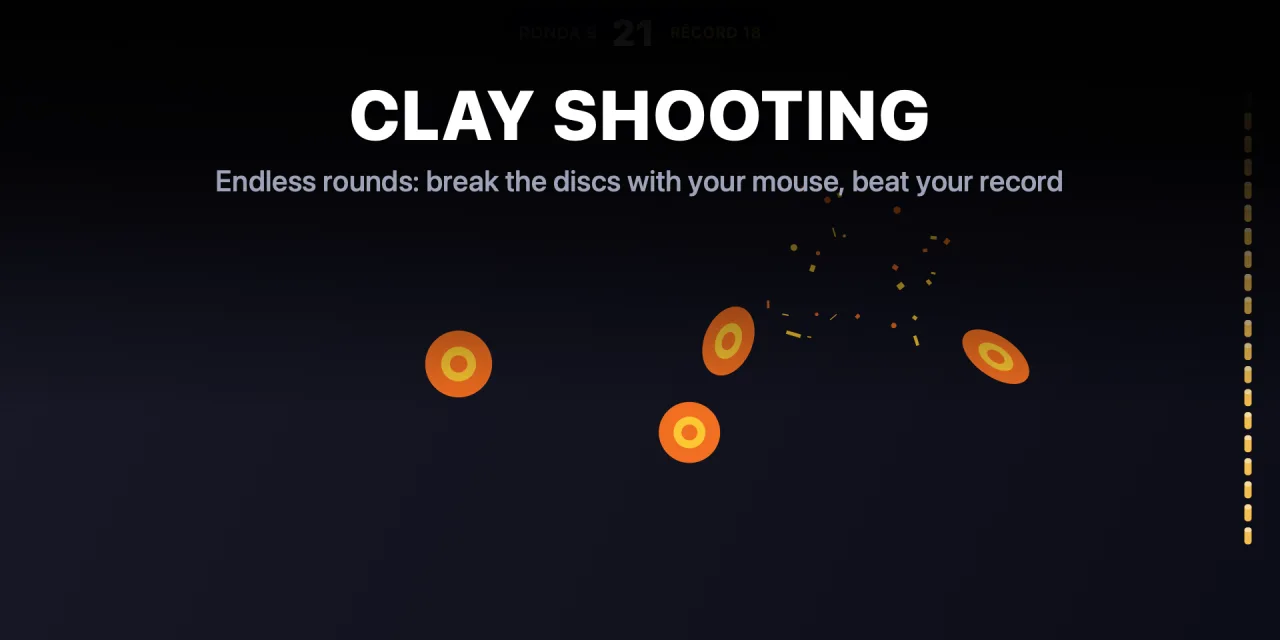
An actual game: break flying discs with your mouse, right over your desktop. Rounds get faster, with combos and a personal best.
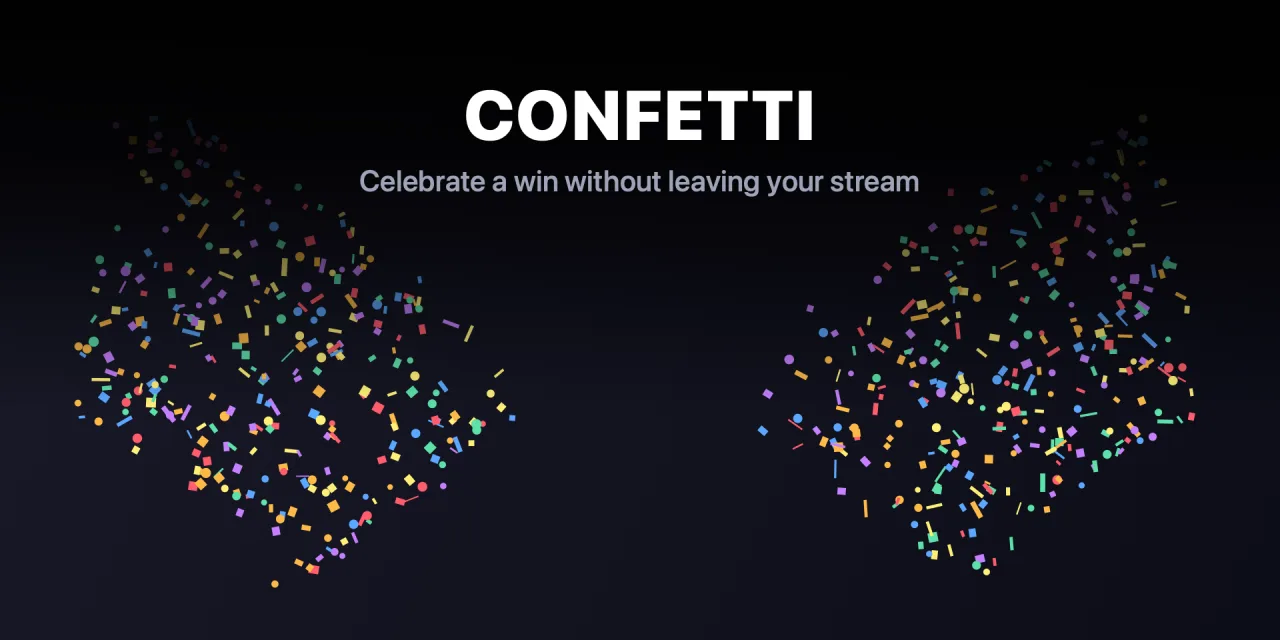
Side cannons, burst, rain or fireworks, with ready-made or custom palettes.
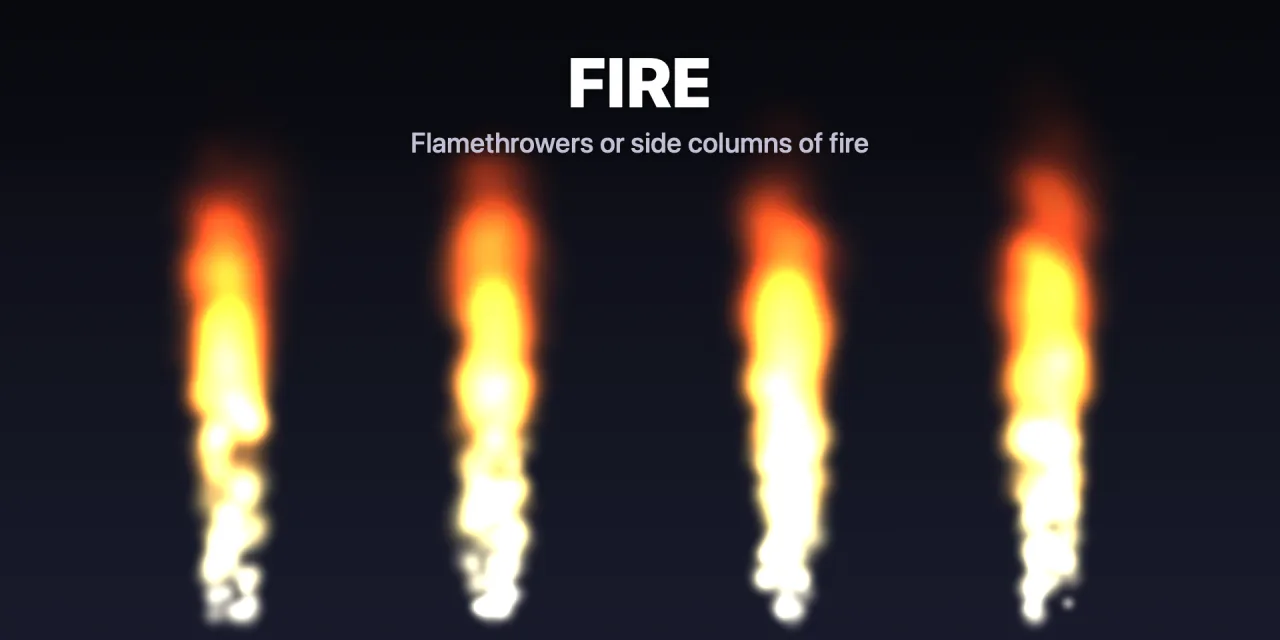
Stage flames: flamethrowers or side columns of fire. Hold the key to keep it firing.
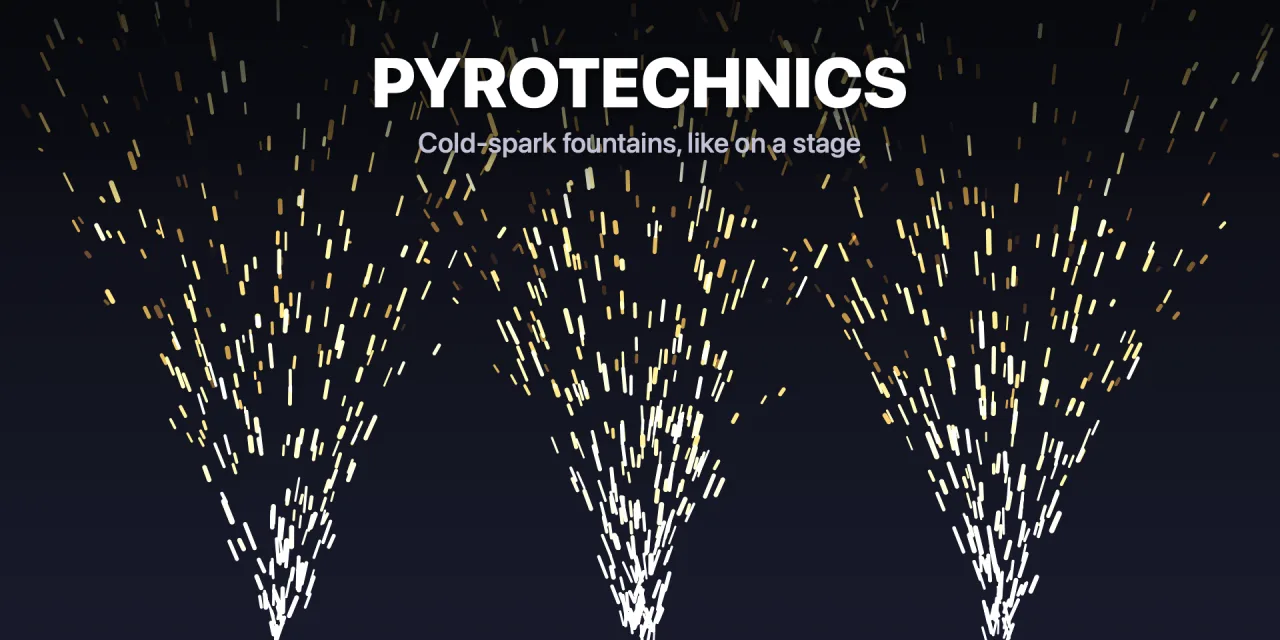
Cold-spark fountains, like on a stage. Hold the key to keep them going.
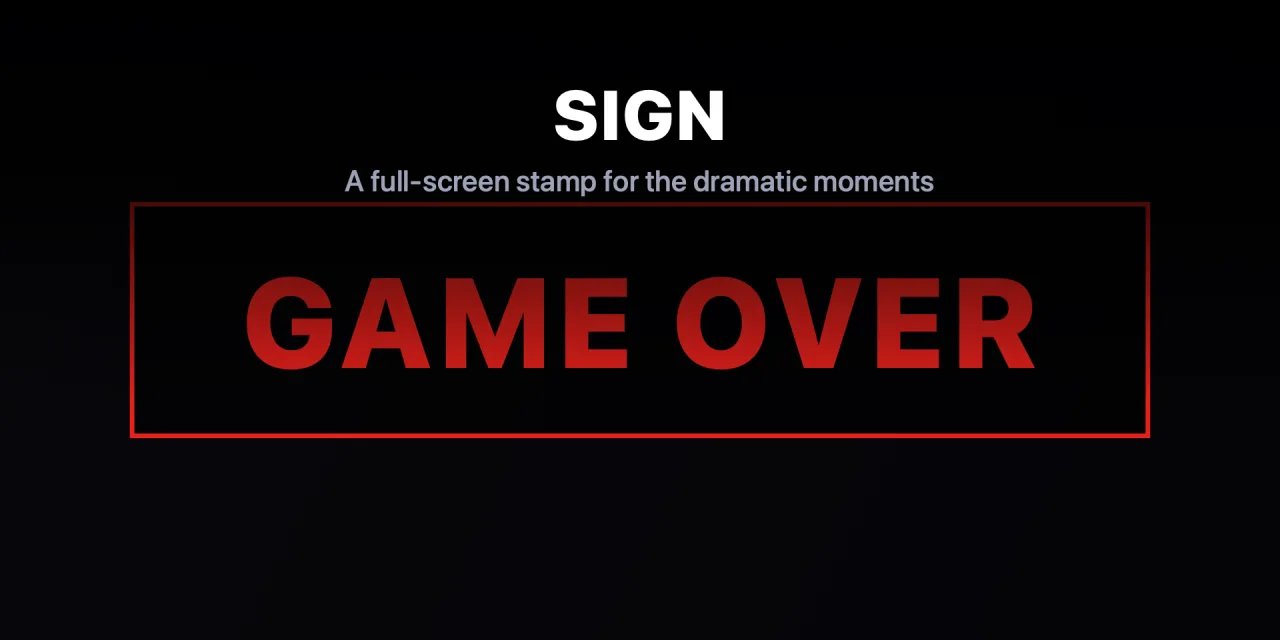
A full-screen GAME OVER stamp that slams onto the screen, with its own sound, for the dramatic moments.
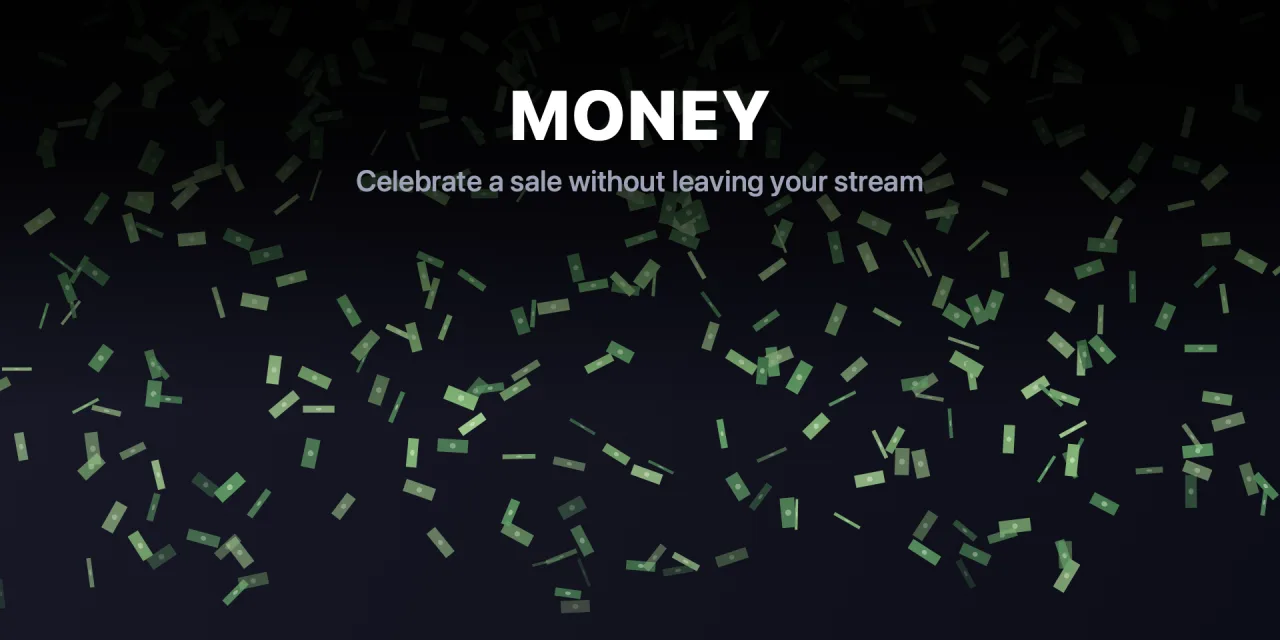
A rain of bills for a sale, a donation or a milestone.
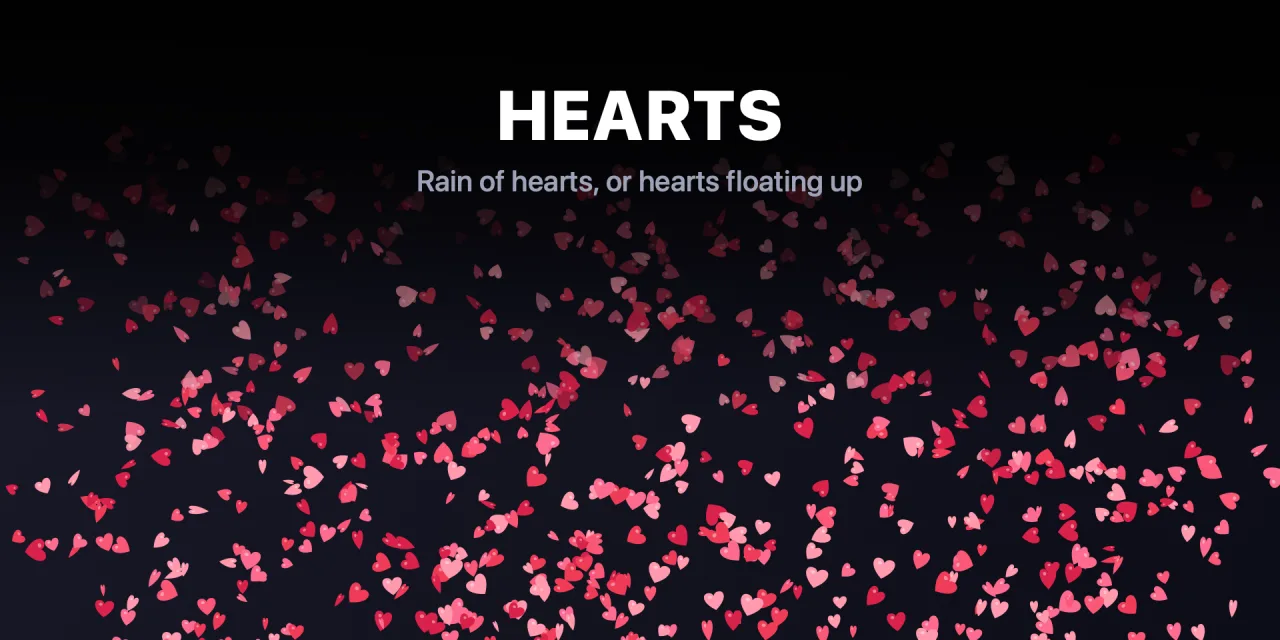
A rain of hearts, or hearts floating up like live reactions.
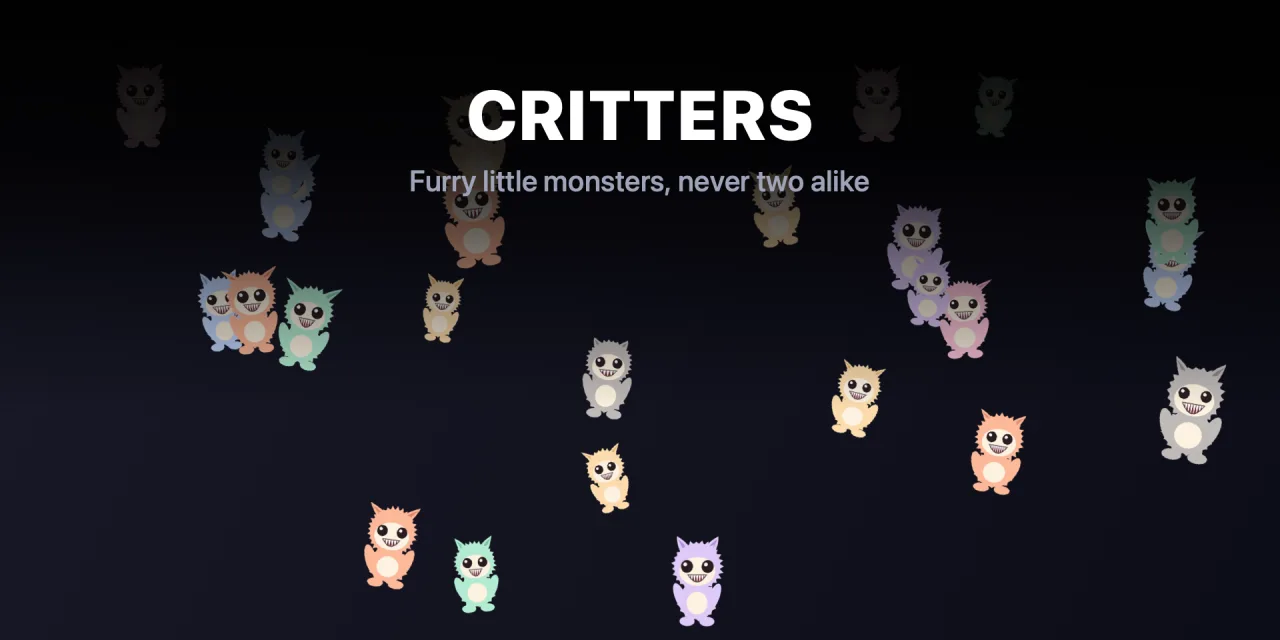
Furry little monsters flying across the screen. Each one is generated on the spot, so no two are alike.
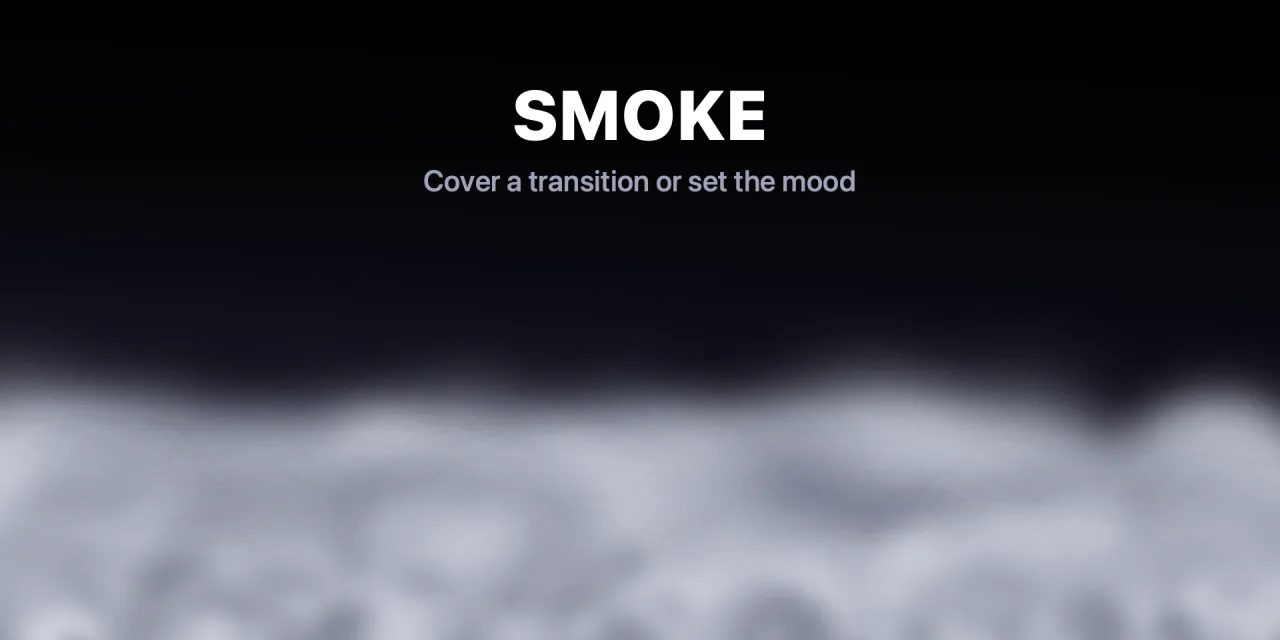
Smoke that drifts in and fades, and a camera flash across the whole screen.
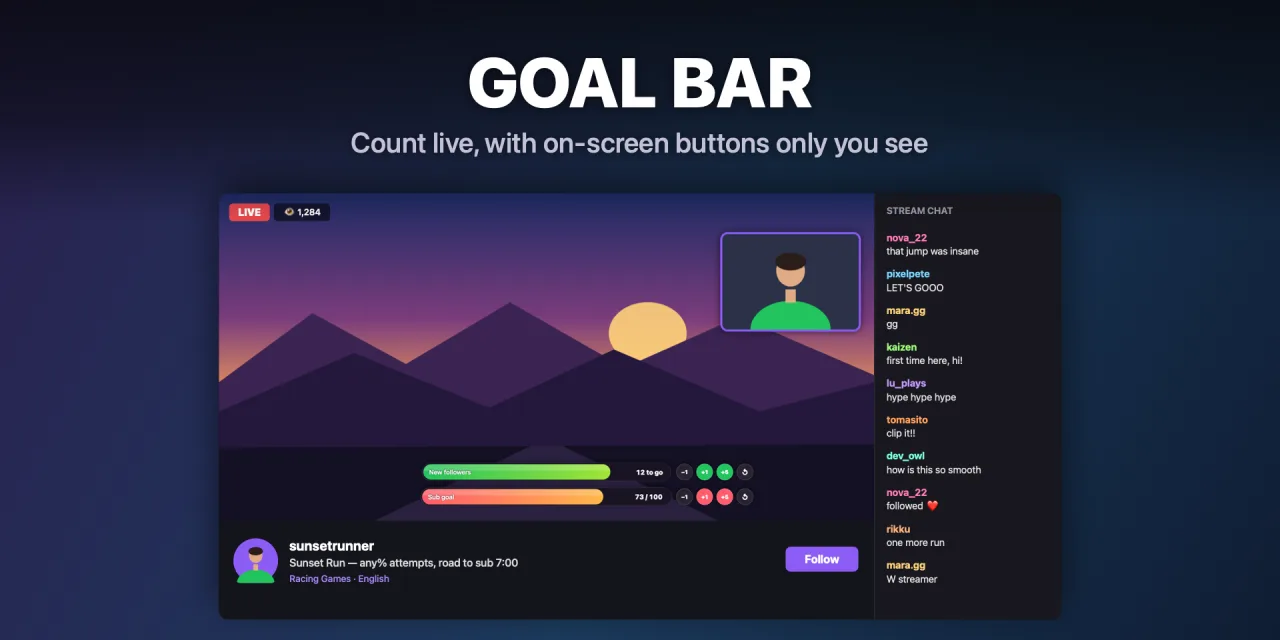
A progress bar everyone sees, with −1/+1/+5 buttons on screen that only you see: they don't show up in OBS, Zoom or recordings. Stack several and drag them anywhere.
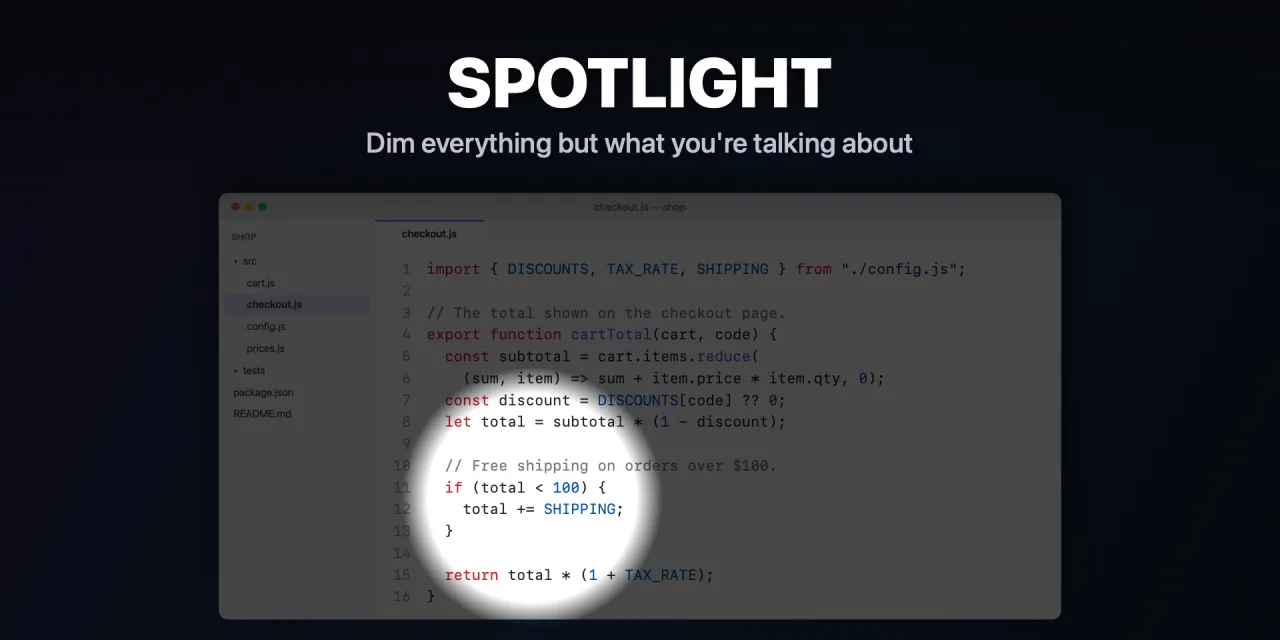
Dims everything but a circle of light that follows your pointer.
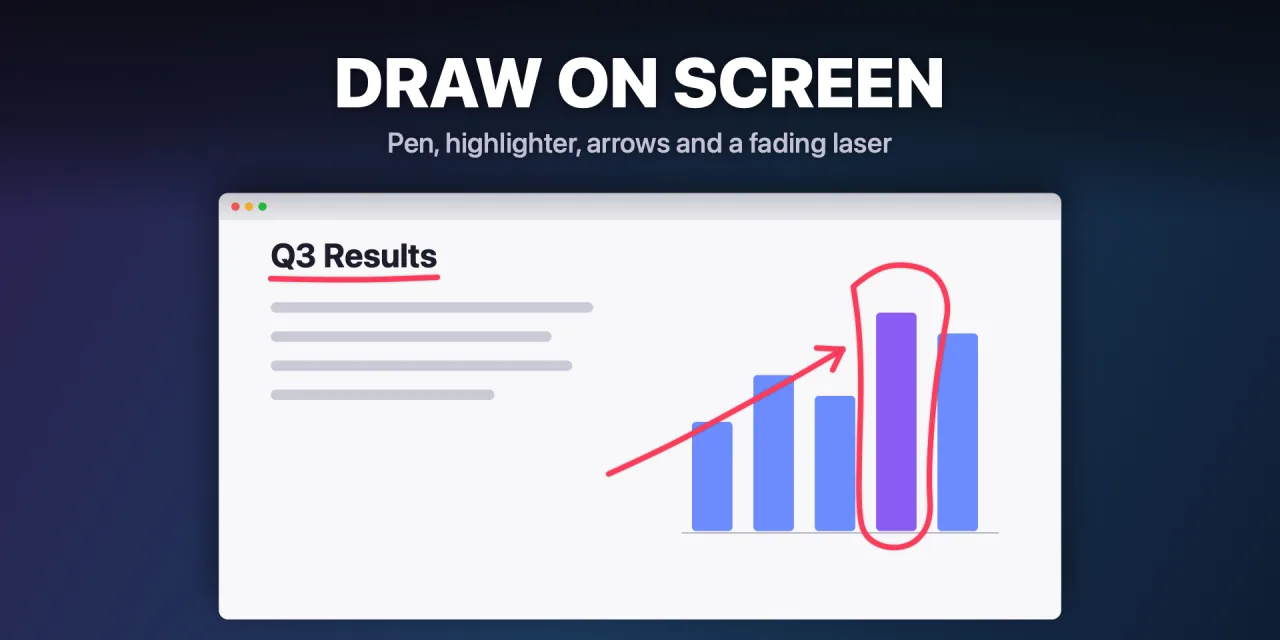
Pen, highlighter, arrows and a laser that fades away. Right-click undoes.
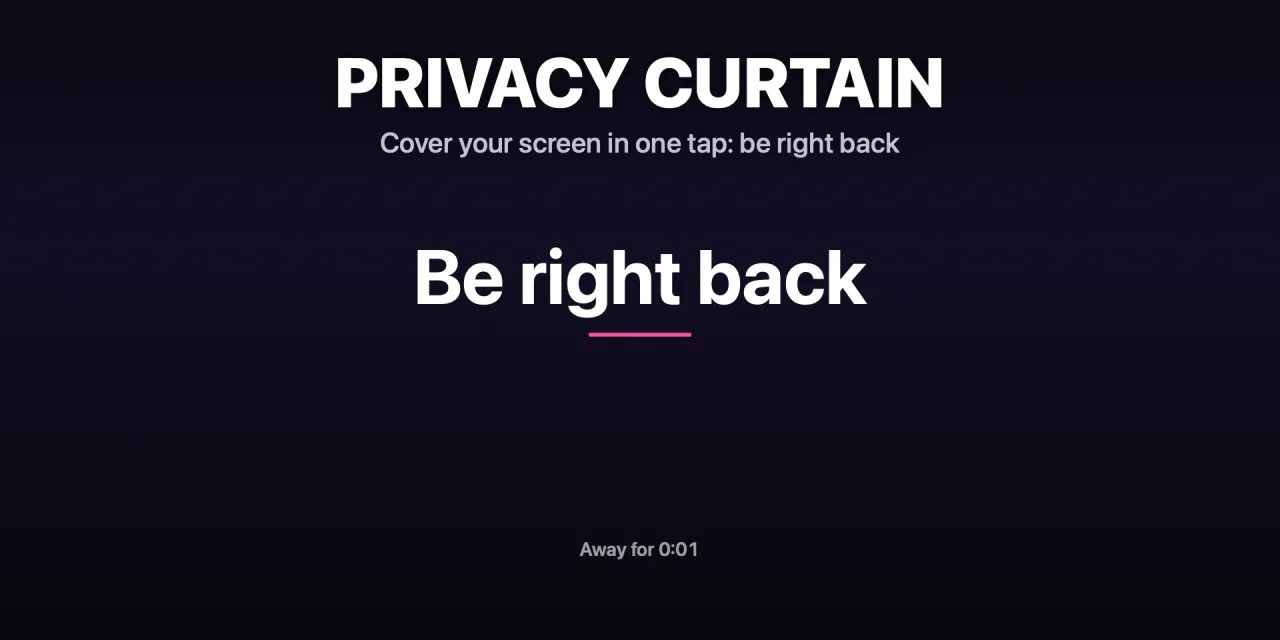
Cover your screen in one tap with a “be right back” sign, with an optional timer.
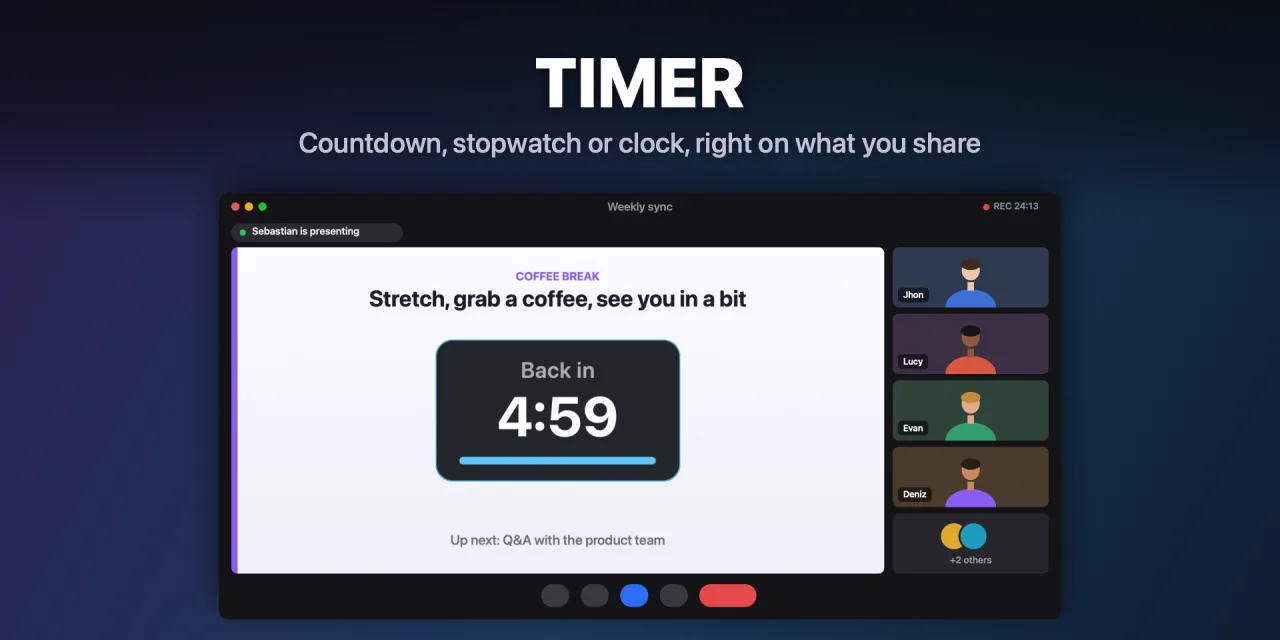
Countdown, stopwatch or clock. Can show only on your monitor, invisible to OBS, Zoom and recordings.
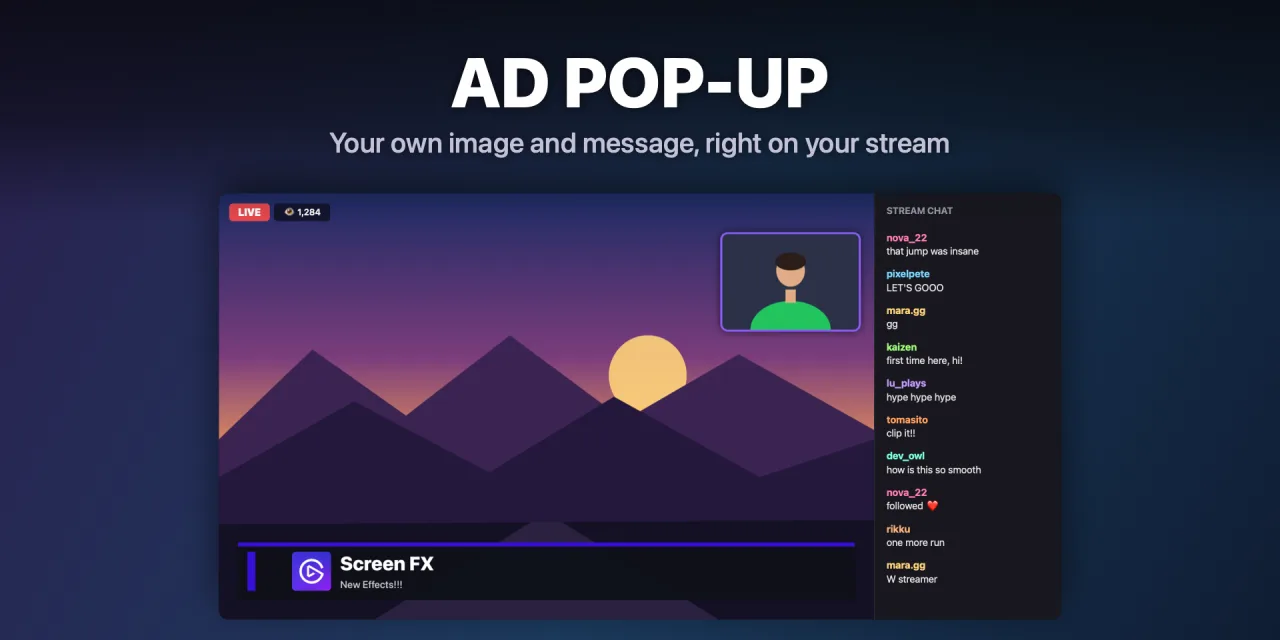
Your own image or message in a corner, centered or as a news bar, for sponsor shoutouts.
Also included: Click highlighter NEW — a ring on every click, so everyone can follow your mouse.
Most overlay tools need OBS browser sources or a heavy app running in the background. Screen FX doesn't.
A single signed and notarized Swift binary, a 1.6 MB download. Apple Silicon and Intel.
It draws on your real screen, so it shows up in Zoom, Meet, classes, presentations and recordings — not just streams.
The overlay is click-through. Pick the main display, all displays, or the one under your cursor. On-screen controls, like the goal bar buttons, stay private: only you see them.
Dice, applause, drumrolls, balloon pops, fire and more come with their own sound, and every key sets its own volume. Nothing else to install.
All 26 actions and every future update, for a one-time $3.50 on the official Elgato Marketplace. It installs with a double click.
Get it on the Elgato Marketplace · $3.50Screen FX is Mac-only for now. Let me know you'd use it — it helps decide what comes next.